
A local AI harness runs the agent workspace and execution layer on your machine, close to the project files, commands, version control, and services the work depends on.
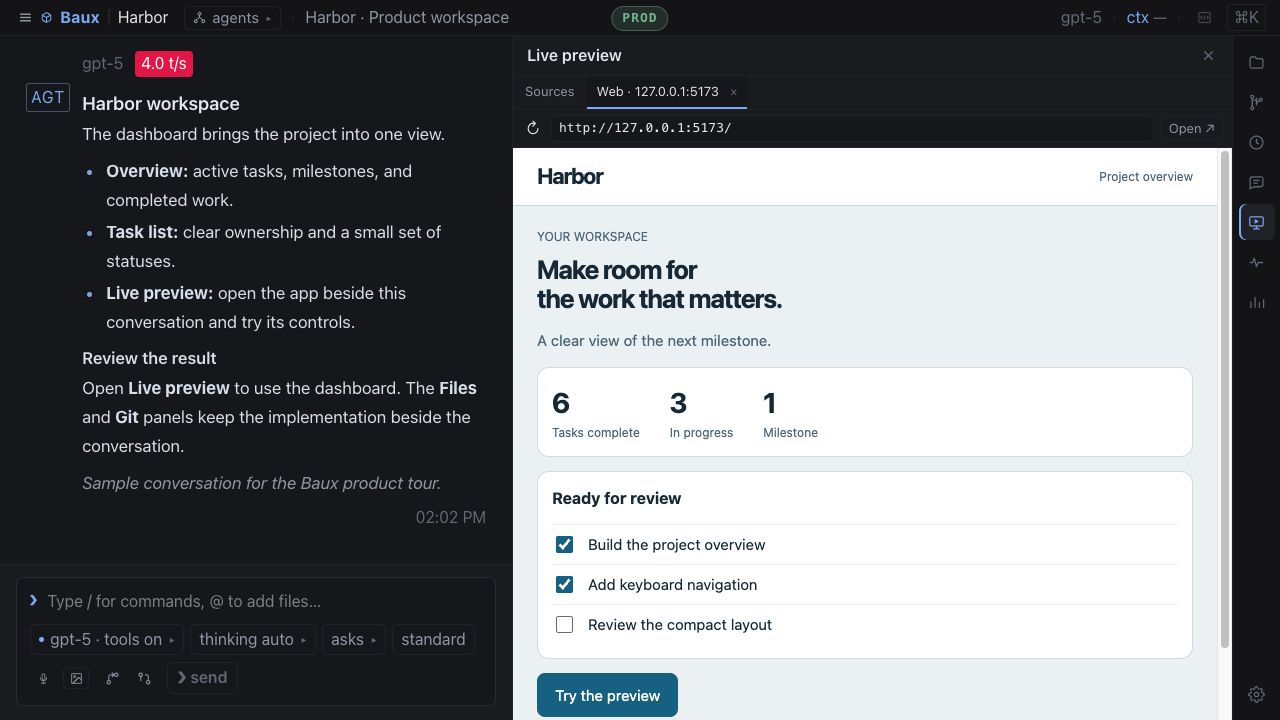
What “local” actually means.
Local-first is about control over the operating workspace—not a requirement to run every model on-device. The harness can keep project state and execution local while sending prompts only to the model providers you configure.
Project-native context
Agents read and edit the files already on your machine instead of working from copies uploaded into a separate service.
Nearby tools
Commands, tests, build systems, browsers, and local services remain available through explicitly assigned tools.
Local sessions
Task history, worker activity, and usage records stay with the workspace rather than becoming a separate remote data store.
Git-aware work
Review diffs, switch branches, create worktrees, commit changes, and follow repository state without leaving the harness.
Cloud or local inference
Use hosted models, a local model server, or different providers by role without moving the operating workspace.
Fails-closed boundaries
Scope agents to selected projects and tools. The desktop app uses an internal loopback server. Standalone browser and remote server access are no longer supported.
Local harness vs. cloud agent workspace.
Both models can be useful. The meaningful distinction is where code, credentials, commands, state, and execution live—and which system becomes the source of truth.
| Concern | Local AI harness | Cloud agent workspace |
|---|---|---|
| Project files | Reads the repository already on the machine | Usually requires a sync, clone, or uploaded copy |
| Execution | Uses local tools, environments, and services | Runs in a remote environment or managed sandbox |
| Model choice | Can mix hosted and local providers by role | Often tied to supported hosted providers |
| Connectivity | Core workspace remains useful on localhost | Usually depends on a network connection |
| Control | Project scope and permissions stay close to the user | Policies are mediated by the remote platform |
Why coding agents need a code harness.
Code work is more than text generation. A coding agent must inspect an existing system, change files, run commands, interpret failures, compare diffs, and leave the repository in a coherent state.
- Understand the repository before making changes
- Limit editing and command access by agent role
- Run tests and feed results back into the agent loop
- Choose project-contained worker directories and serialize overlapping writes
- Review every file changed and inline diff
- Preserve a record of decisions, tool calls, and cost
How Baux keeps work local.
Baux is built around the project already on your machine. Sessions, project files, and usage reports are not uploaded to a Baux data cloud; prompts go only to the cloud or local model providers you configure.
Work beside the repo
Browse and edit files, review Git changes, switch branches, and manage worktrees in the same workspace as the agent team.
Choose the scope
Route each task to selected teammates in an existing directory inside the Director's project. The runtime rejects traversal and symlink escapes.
Bring your models
Connect the providers you already use or keep inference nearby with a local model server. Each role can use a different model, while live status shows reported rolling quota and credits.
Local AI harness FAQ.
The distinctions that matter when evaluating a local or code-focused agent harness.
What is a local AI harness?
A local AI harness runs the agent workspace and execution layer on your machine, close to the files, commands, version control, and local services needed for the task.
Does a local AI harness require a local model?
No. Local-first describes where the harness, files, sessions, and execution live. The harness can use cloud models, local models, or a mix of both.
What is a code harness?
A code harness gives coding agents controlled access to repositories, file edits, commands, tests, Git changes, and execution feedback.