LOCAL-FIRST AGENTIC HARNESS FOR AI TEAMS

Sandbox your agents
with Baux.

Baux is a local AI agent harness and agent team builder. Start from a ready-made pattern or custom roles, choose exactly who gets the next task and where they work, then inspect every worker, diff, token, dollar, and remaining quota.

5
built-in team patterns
Exact
per-agent tool access
Local
workspace and history
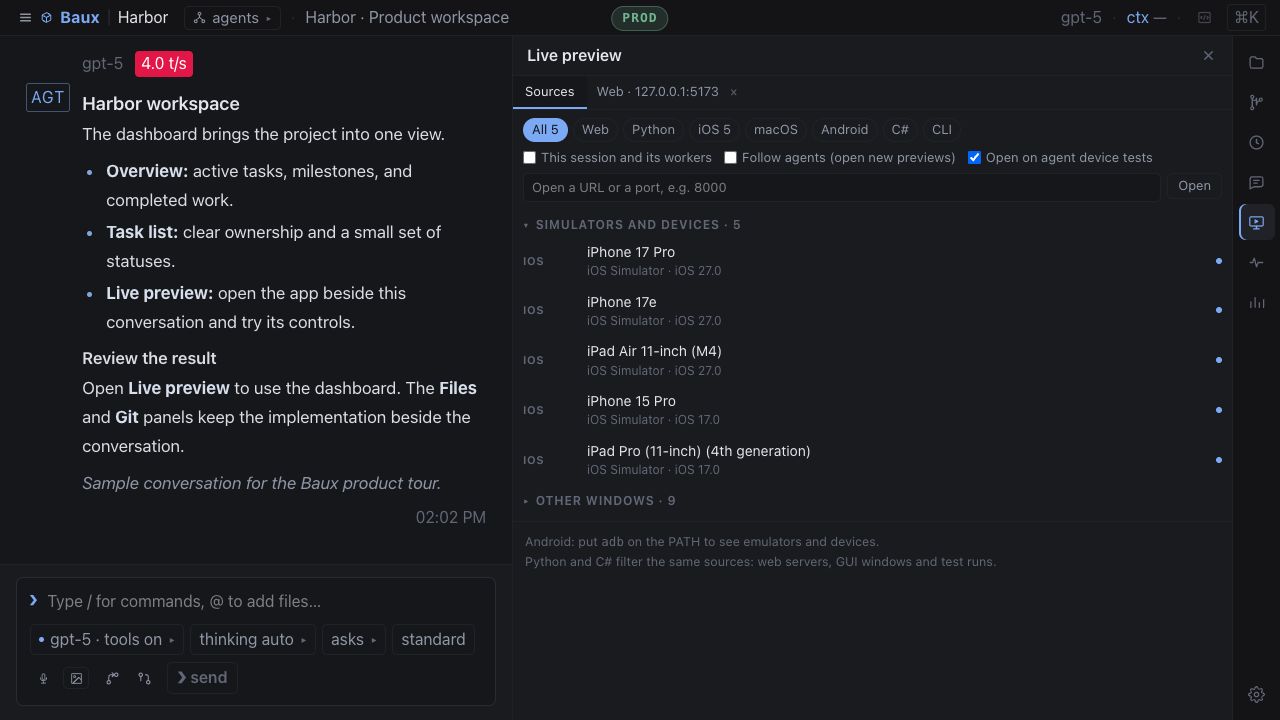
Baux coordinating an agent team building a flight simulator
Actual Baux workspace · swipe to inspect

Build. Bound.
Inspect.

Baux turns a prompt into a visible team operation. Choose the shape, set every permission, and follow the work without losing the thread.

01 · BUILD THE TEAM

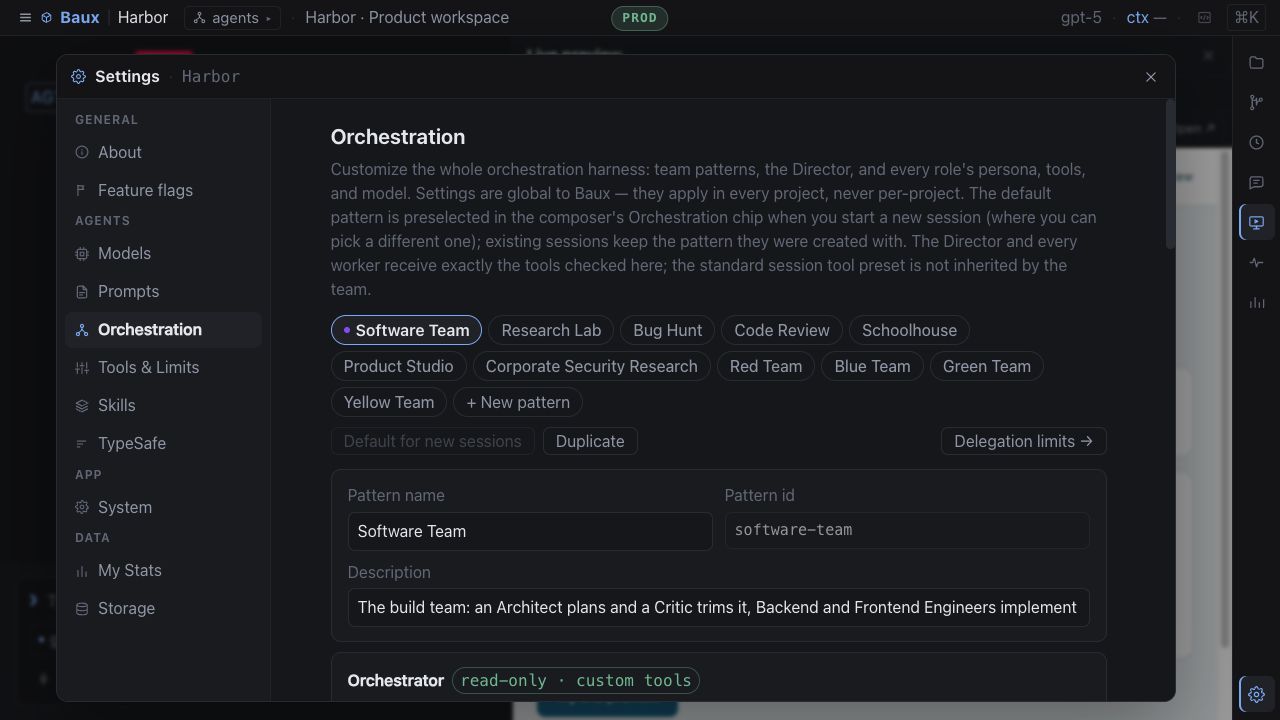
Start with a pattern.
Make it yours.

Software Team, Research Lab, Bug Hunt, Code Review, and Schoolhouse ship ready. Edit them or build a team from scratch.

DirectorArchitectBuilderQA
02 · SET THE BOUNDARIES

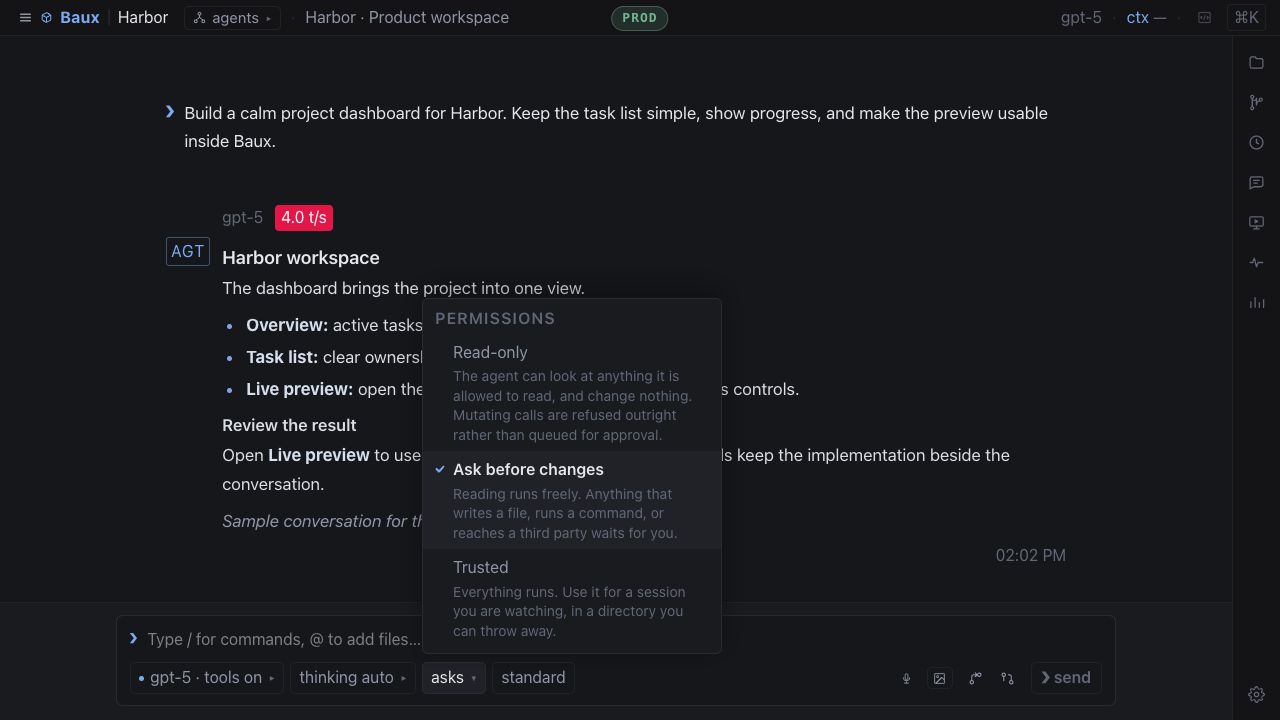
Exact tools.
Enforced at runtime.

Give the Director and every worker only the tools, model, and persona their job requires—nothing more.

03 · INSPECT THE WORK

Every worker
leaves a record.

Open the session behind any delegation. See the brief, tool calls, files changed, final report, tokens, and cost.

Control is a
product feature.

Autonomy should be legible. Baux makes the boundaries and consequences of agent work visible before, during, and after a run.

DIRECT ROUTING

You choose the crew

Send the next task to one teammate, a selected group, or everyone—even while a run is active—and pin their work to an existing project directory.

TEAM COST

See the whole bill

Director and worker usage rolls up into one team view without flattening the individual sessions behind it.

CONTEXT AWARE

Fast without running blind

Run independent work in parallel or keep write-capable tasks serial. Limits scale to the model’s context window.

THE REST OF THE WORKSPACE

Everything around the chat.

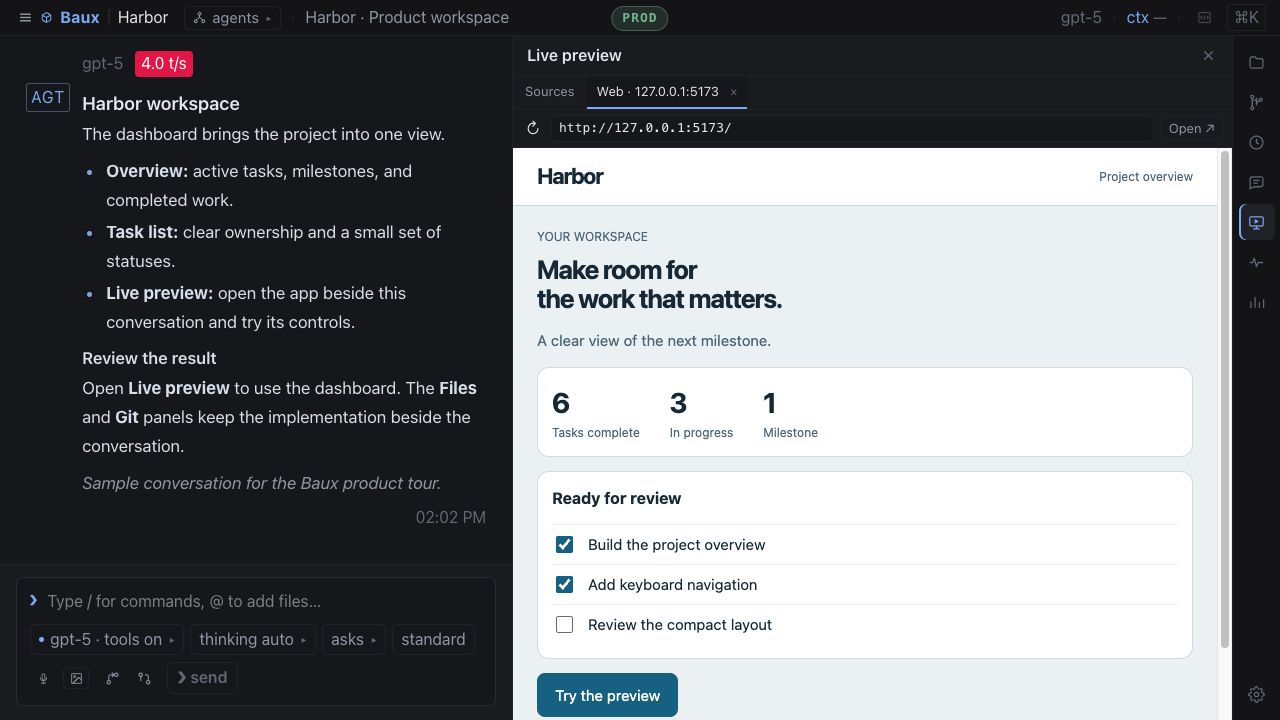
Baux keeps the conversation beside the project, so context lives where the work is happening—not in another terminal tab.

  • Browse, preview, and edit project files
  • Review Git changes and inline diffs
  • Switch branches and manage worktrees
  • Commit, push, and open a PR in the background
  • Search sessions, actions, and files together
BAUX · ORCHESTRATIONVISIBLE WORKERS
A Baux Director session with worker sessions and team cost visible
Baux worktree and branch switcher
Project branches and worktrees stay in reach.
MY STATS

Know what the work costs.

See usage across every Baux session and project, from the last hour to the lifetime of the machine. Live status also keeps each reported rolling window—normally 5-hour and weekly for ChatGPT/Codex—and the credit balance in view.

Tokens by categoryModel and project rankingsTeam cost rollups5-hour and weekly quota leftProvider credit balanceLocal-model energy estimates

Optional metadata-only views for locally installed Codex CLI and Claude Code stay separate from Baux totals.

MY STATSTHIS WEEK⌄
TOKENS12.8M↑ 18% from last week
COST$18.4237 sessions
ACTIVITYMON → SUN
qwen3-coder-30b5.8M
claude-sonnet4.1M
gpt-52.9M

Your workspace
stays yours.

Baux is local-first by architecture. It reads the files already on your machine and gives them a better interface.

01

No Baux data cloud

Sessions, project files, and usage reports are not uploaded to a Baux service. Prompts go only to the model providers you configure.

02

Scoped file access

Browsing and editing are limited to project directories from your sessions and locations you deliberately choose.

03

Remote access fails closed

Localhost is the default. Network access requires a token, with optional Tailscale identity checks on top.

04

Cloud or local models

Bring the providers you already use or keep inference nearby with a local model server. Roles can use different models.

SAME WORKSPACE · MOBILE DEVICE VIEW
Baux mobile workspace with an agent delegation visible

A local agentic harness
for real work.

An AI model can reason, but the harness makes it operational. Baux coordinates the agent loop, team roles, tools, context, workspace, and audit trail around the model.

AGENTIC HARNESS FAQ

The category,
plainly explained.

Clear answers for people evaluating an agent builder, agentic framework, or local code harness.

What is an agentic harness?

An agentic harness is the runtime around an AI model that manages the agent loop, context, tools, permissions, execution, memory, and results. It turns a language model into an agent that can complete multi-step work.

How is an agent harness different from an agentic framework?

An agentic framework is usually a toolkit or SDK for developing agents. An agent harness is the operating runtime that actually coordinates models, tools, context, boundaries, and execution. Baux provides that runtime as a local workspace for visible agent teams.

Can Baux build custom agent teams?

Yes. Start with a built-in team pattern or create a custom team with its own Director, worker roles, personas, models, tools, and scheduling style.

Can I choose which agents get the next task?

Yes. Route the next prompt to one teammate, a selected group, or the whole team and choose the existing project directory where their worker sessions run. The runtime enforces both choices, including during an active run.

Is Baux a local AI harness?

Yes. Baux is local-first: project files, sessions, and usage history stay on your machine. Prompts go only to the cloud or local model providers you configure.

What makes Baux a code harness?

Baux keeps coding agents beside the repository with project files, edits, Git diffs, branches, worktrees, worker sessions, and exact tool access in one inspectable workspace.

BUILT FOR CONTROLLED AUTONOMY

What will your team
build next?

Build the team. Set the boundaries. Inspect the work.

● READY macOS Windows Linux Cloud + local models